How do you choose the best CRM ERP solution for your business needs?
Selecting the right integrated solution is critical to avoiding implementation failure. Ask these questions during your evaluation:
- Is it built into the ERP solution? Embedded CRMs (like Acumatica’s) often offer smoother data flow than third-party connectors.
- Does it support mobile users? Field sales and service teams need access to data anywhere, anytime.
- Is it scalable? Will the system handle increased data volume and user counts as you grow?
- What is the Total Cost of Ownership (TCO)? Look for resource-based pricing models that allow you to involve more users without per-seat license fees.
How Do You Successfully Implement a CRM ERP Solution?
Software implementations are notoriously challenging, but there are a few things that you can do to make a CRM ERP implementation successful.
Before making your CRM ERP decision, you must first communicate your plan and expectations clearly with your team. Not only will they appreciate knowing this is the plan and begin acclimating to the idea, but they can also offer their input into which solution may work best for them. This alleviates the concern that they may not use the new solution if they find it an inefficient tool. Their support—or lack thereof—can make or break your expensive investment.
Another tip for ensuring a successful implementation is making sure that the ERP vendor has a definitive implementation process that defines each step before you even take the first one. This plan should inform you as to how long the project is projected to take, the resources that will be used, any potential risks (and methods for overcoming them), and more.
Finally, you will need to create a dedicated implementation team made up of employees representing every department within your organization, and together, establish a robust relationship with the ERP vendor, whom you should choose based on its reputation for delivering successful implementations.
Key benefits of ERP and CRM integration?
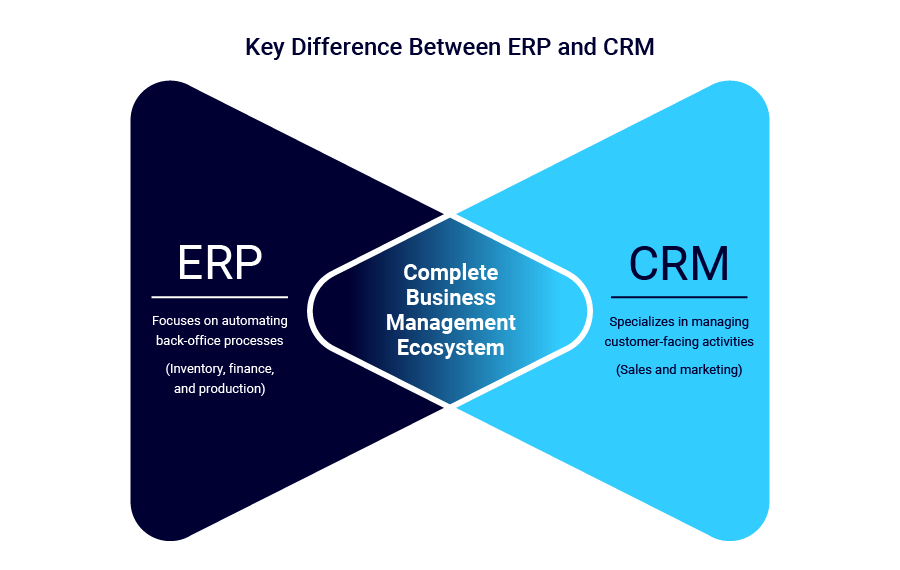
Integrating these powerhouses offers significant advantages for mid-sized organizations looking to scale:
1. 360-Degree View of the Customer
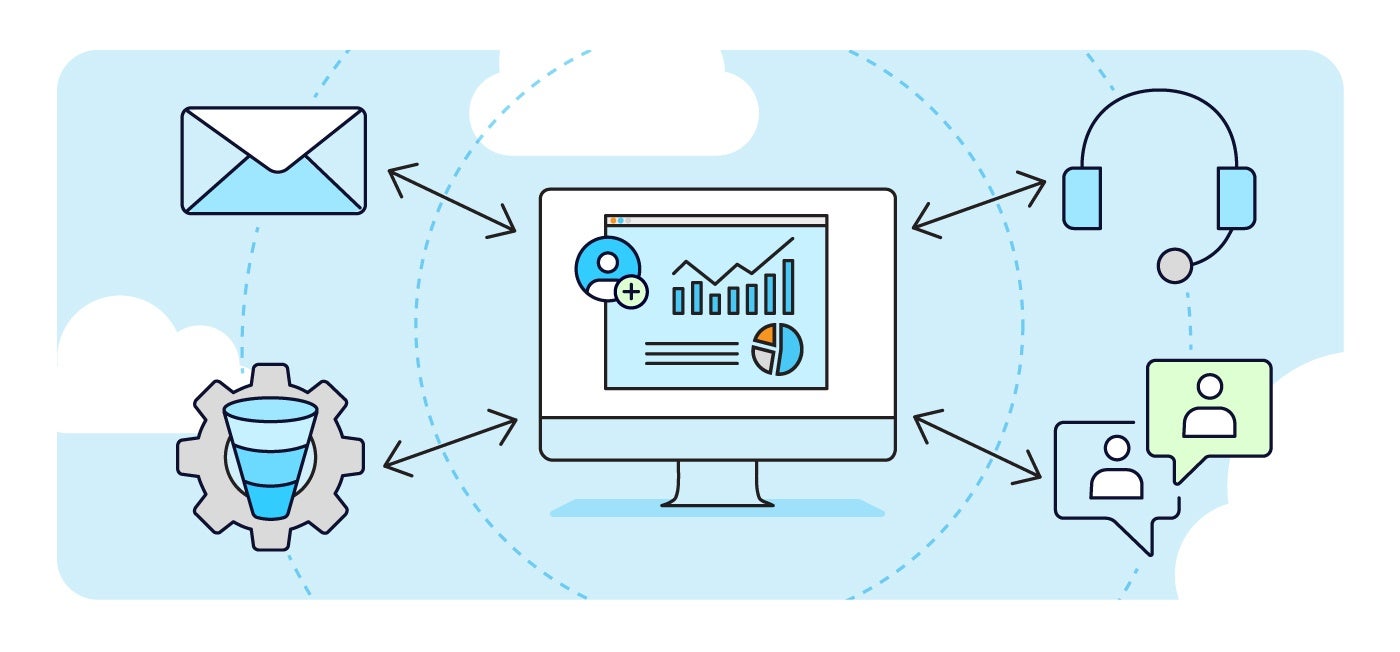
Access a complete history of every interaction, from the first marketing email to the latest invoice. This visibility helps support teams resolve cases faster and allows sales teams to identify upsell opportunities based on purchase history.
2. Elimination of Data Silos and Duplicate Entry
Manual data entry is prone to error. Integration ensures that a change of address in the CRM automatically updates the billing records in the ERP SOLUTION, maintaining data integrity across the organization.
3. Faster Sales Cycle
By streamlining lead management and automating the quote-to-cash process, sales teams can close deals faster. Leads flow seamlessly from marketing to sales, and closed deals instantly trigger fulfillment processes.
4. Improved Forecasting and Reporting
With all data in one place, leadership can generate accurate reports that correlate sales activities with actual revenue and inventory costs. This leads to smarter, data-driven decisions.

 Canada (English)
 Colombia
 Caribbean and Puerto Rico
 Ecuador
 India
India
 Indonesia
 Ireland
 Malaysia
 Mexico
 Panama
 Peru
Peru
 Philippines
 Singapore
 South Africa
 Sri Lanka
 Thailand
 United Kingdom
 United States
 AcumatiCares