Product

Acumatica Generic Inquiries

Use Generic Inquiries to turn live ERP data into tailored reports, dashboards, and analytics, trigger notifications and automation, and customize data entry views—all without code.
View datasheet

Answer business questions faster

Build a Generic Inquiry once and reuse it across Acumatica. Guided, no-code wizards turn current business data into custom screens, dashboards, pivot tables, Excel exports, and governed access for BI and AI, while supporting business events and scheduled automation.

click icon to learn more

Product highlights

Create inquiries quickly, explore the details behind performance, trigger the right actions at the right time, and deliver trusted answers wherever work happens.

Instant insights
Ask AI
Act automatically
Build and scale
Instant insights

Turn live data into answers in a click

Every number is one click from the transactions behind it. Group, pivot, and highlight real-time Acumatica data, then share it wherever your team works.
  • Summarize with ease: Group results into hierarchical tables with subtotals, totals, and calculated values, and build multiple pivot tables per inquiry using sum, average, maximum, and minimum.
  • Spot exceptions fast: Highlight rows and columns based on conditions, then drill down and open resizable side panels for more context.
  • Follow up on the spot: Jump from results to records or external URLs, and send targeted email to the people in a filtered list.
  • Share anywhere: Publish to responsive dashboards, export to Excel (with Data and Parameters sheets) or Report Designer, expose data through OData to Power BI, and reach it securely on mobile.
Screenshot of Ask and answer faster
Ask AI

Ask your ERP anything. Let AI flag what’s off.

Ask questions in plain language, catch outliers automatically, and connect the AI tools you already use. Everything draws on the inquiries your administrator publishes, under existing access rights.
  • Ask in plain language: Ask AI Assistant questions, including about prior periods and specific dates, and get answers as text, charts, or tables, backed by ready-made finance and manufacturing inquiries.
  • Keep what you learn: Save answers as dashboard widgets and see the source inquiry behind each one.
  • Catch anomalies early: Run AI anomaly detection on numeric columns, including nested inquiries, to flag unusual values by severity, on demand or on a schedule.
  • Bring your own AI: Let Claude, ChatGPT, and other tools read your approved data through MCP servers, with read-only access.
  • Equip your agents: Give AI agents the context they need by letting them use multiple inquiries as data sources.
Screenshot of Analyze from summary to detail
Act automatically

Don’t just watch the data. Act on it.

Generic Inquiries power the business events engine. When inquiry results meet your conditions, including AI-detected anomalies, Acumatica responds on its own. Or take action yourself on selected records, right from the results.
  • Trigger on conditions: Trigger business events when inquiry results or detected anomalies meet your criteria, and use automation schedules and proactive alerts to catch pending issues.
  • Alert the right people: Send email, push, and in-app notifications to employees, customers, or vendors, and preview and edit emails before they go out.
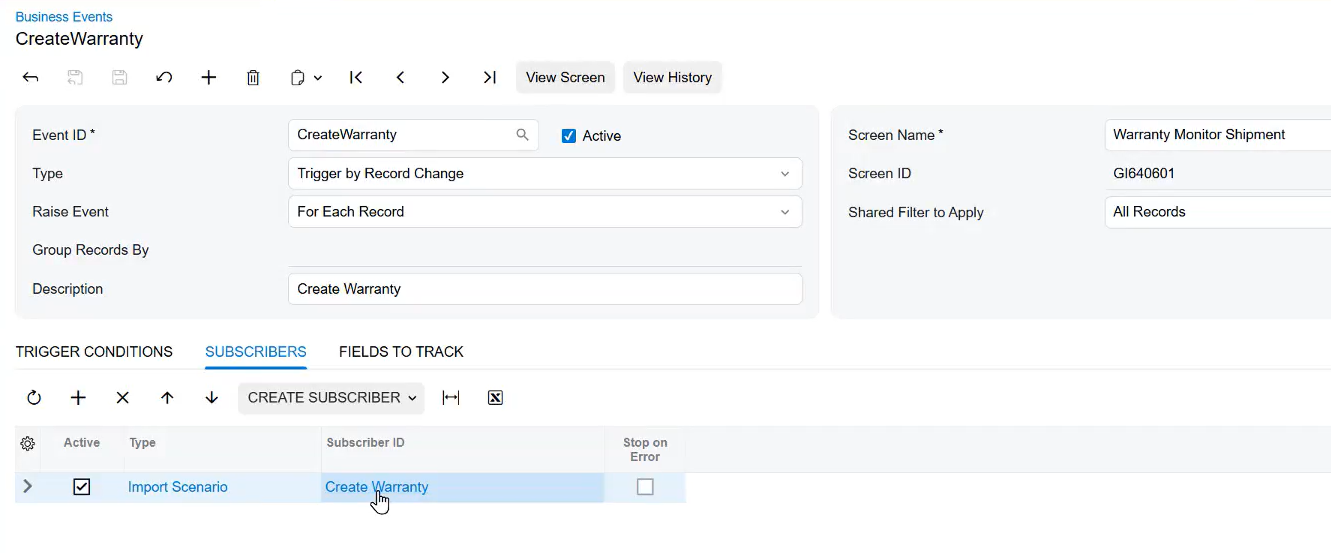
  • Start the next step: Create and assign tasks, start workflows, or kick off AI agent actions automatically.
  • Act in bulk: Run mass actions on selected records from the More menu.
Screenshot of trigger events and automate notifications
Build and scale

Build without code. Scale without rework.

Anyone can build inquiries on any Acumatica data, including customized fields, with no coding. As volume and AI use grow, warehousing keeps results fast and one security model keeps them protected.
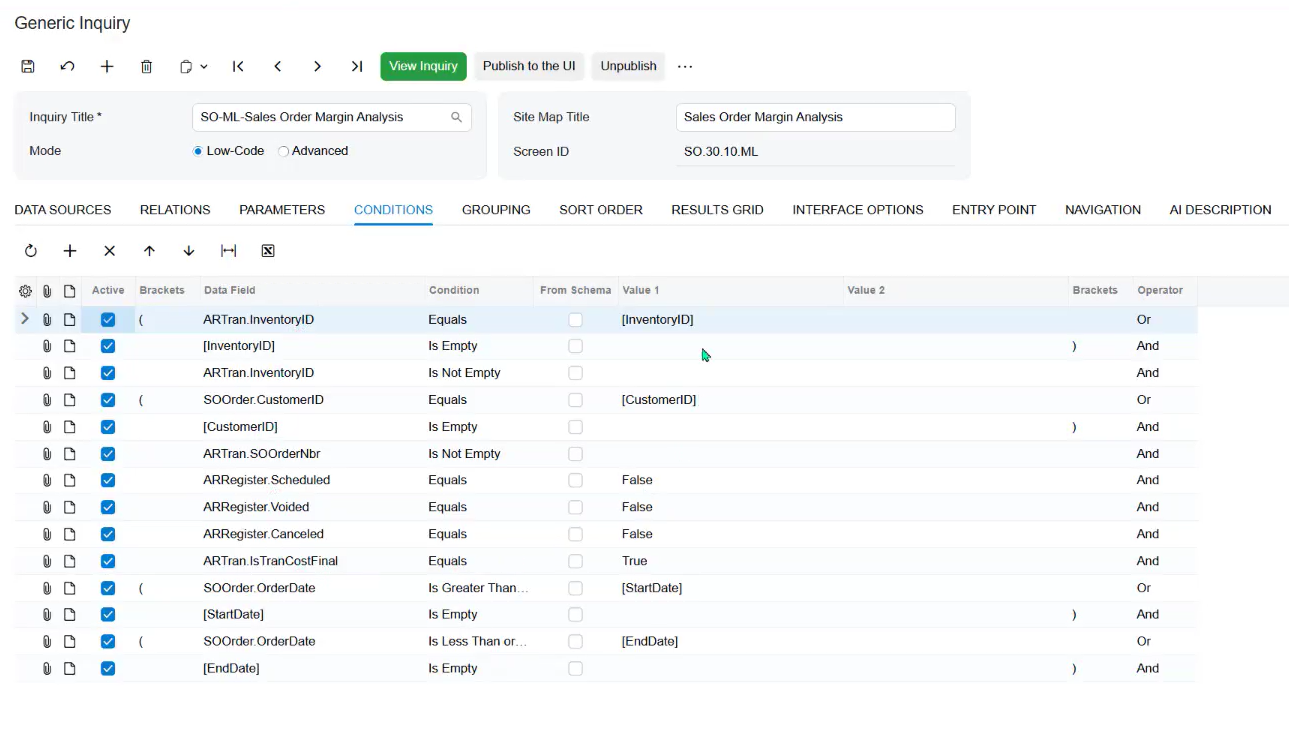
  • Build without code: Use a guided writer to join tables and add parameters and conditions.
  • Write queries faster: Use the GIQL editor’s autocomplete, entity validation, and real-time syntax-error highlighting to write queries with fewer errors.
  • Reuse and layer: Reuse inquiries, build new ones on top of existing inquiries, and copy, adjust, save, share, and favorite your filters and views.
  • Fit your workflow: Replace standard list screens in the menu with inquiries, and build import scenarios using UI field names.
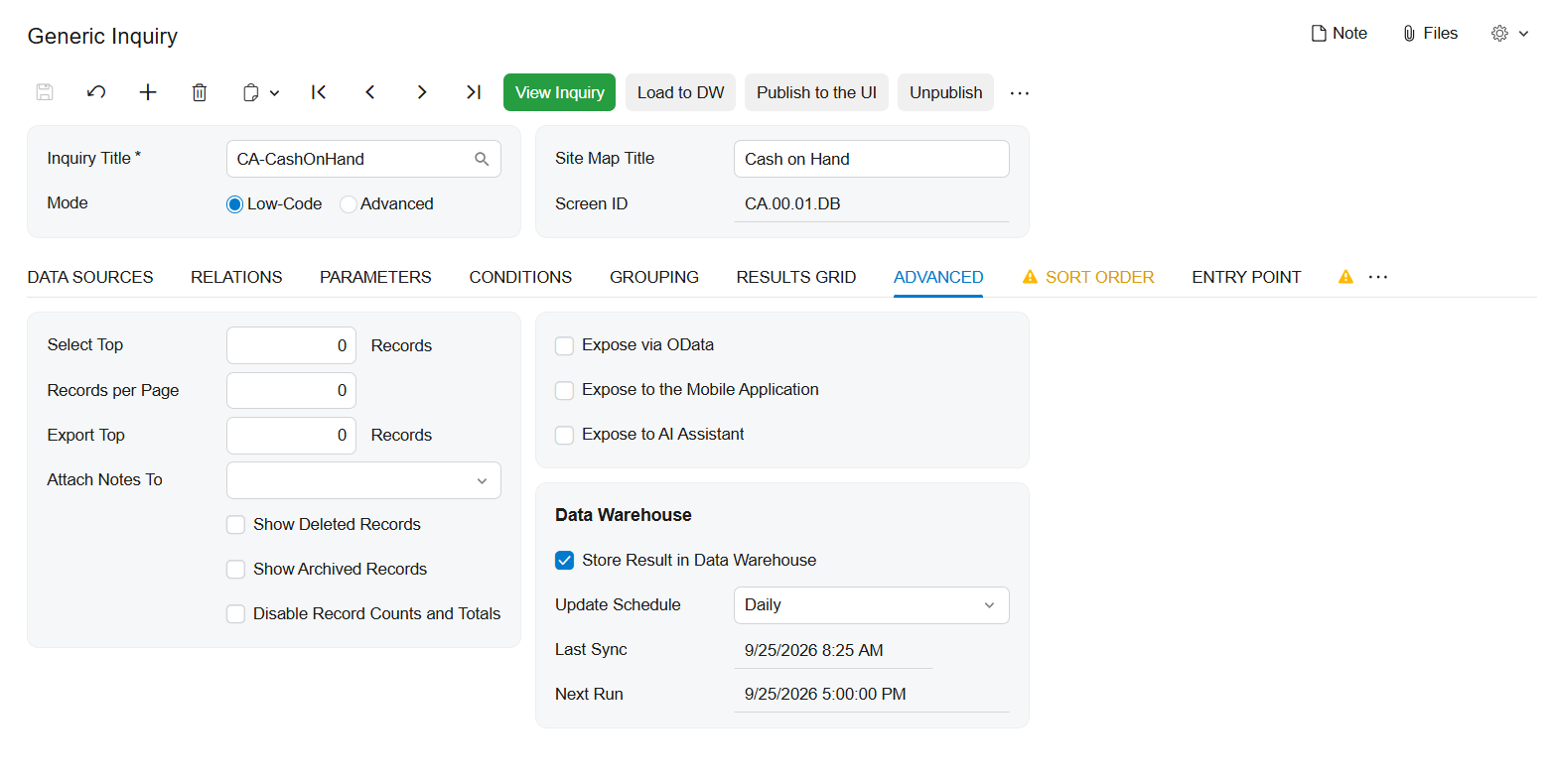
  • Stay fast at scale: Store large or frequently used results in a dedicated warehouse table, refreshed on a schedule or on demand, so dashboards, OData, MCP, and pivots load faster.
  • Stay secure: Apply one role-based security model everywhere, with DAC-level security for self-service builders and masking of sensitive fields sent to AI, so there is no separate security model to maintain.
Screenshot of build without code

Build your perfect demo

Select the videos that are most relevant to your dashboards, reporting, and BI needs.

Acumatica Overview
Reporting, Dashboards, and BI
Artificial Intelligence Strategy
General Ledger and Financial Reporting
Raubex Success Story
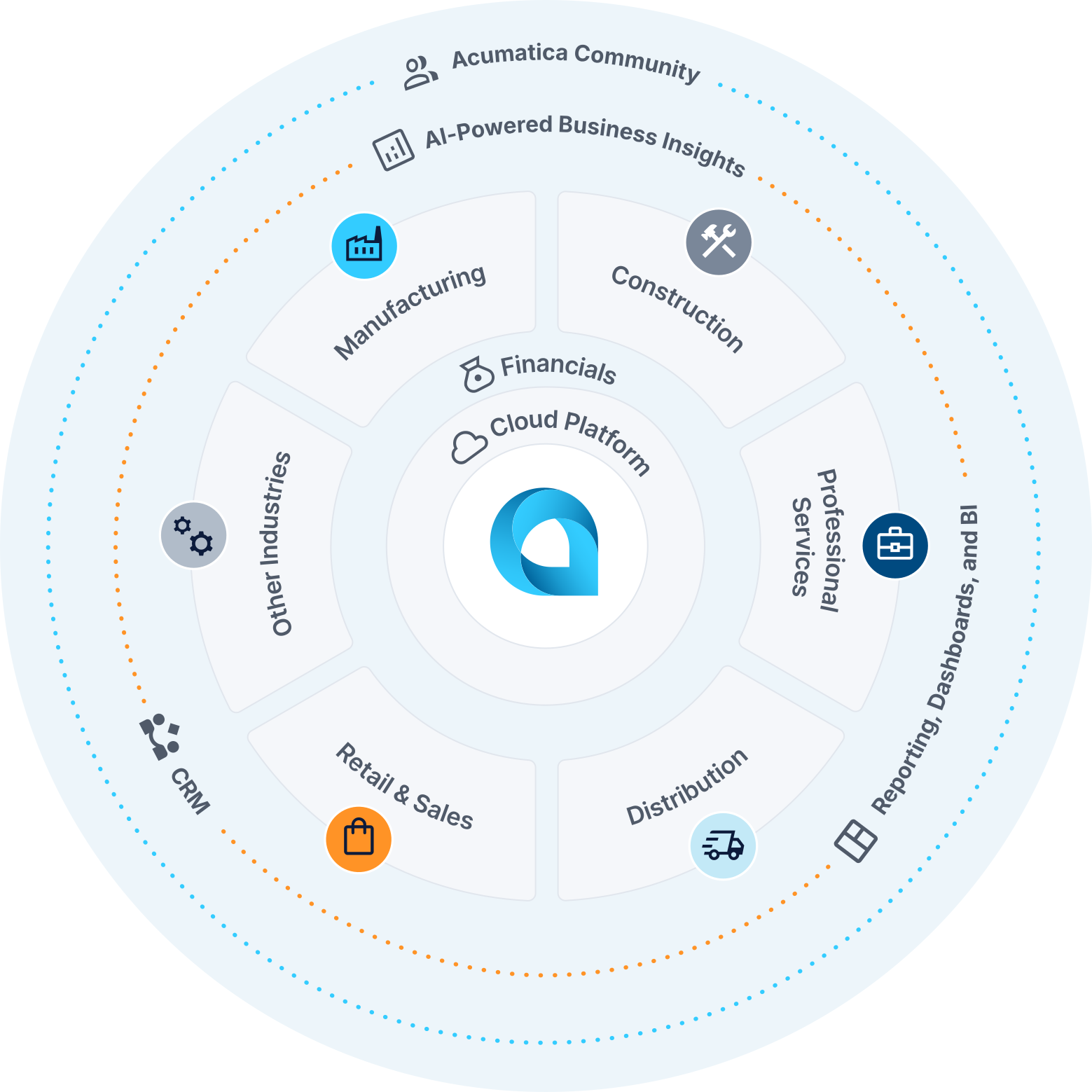
Screenshot of the Acumatica Product Wheel

Reporting, Dashboards, and BI knowledge center

Your ultimate toolkit for modernizing operations.

Integrations
Resources
ROI calculator
Marketplace solutions for dashboards, reporting, and business intelligence

Marketplace Solutions for Generic Inquiries

Extend the power of Generic Inquiries with integrations from the Acumatica Marketplace. Connect to business intelligence platforms, data visualization tools, and reporting solutions that work seamlessly with your ERP solution data to deliver comprehensive insights across your entire organization.

Acumatica marketplace

Resources

Learn more with these resources for reporting, dashboards, business intelligence, and more.

Resource center

ERP ROI Calculator

ERP ROI calculator

Calculate the potential business impact of a connected ERP solution.

ROI calculator

FAQ: Generic Inquiries and AI

What is an Acumatica Generic Inquiry?

An Acumatica Generic Inquiry is a configurable tool that retrieves and displays ERP data without requiring programming. Users can select related data, apply filters, and organize results to answer business questions. Inquiry results can support operational views, dashboards, reporting, and approved AI capabilities, depending on configuration and access permissions.


What business questions can Acumatica Generic Inquiries answer?

Generic Inquiries help teams investigate financial and operational questions using data available in Acumatica. For example, finance teams can review unpaid invoices, sales teams can monitor open orders, and operations teams can examine inventory availability. Results depend on the applications installed, the inquiry’s design, and the user’s permissions.

Do I need programming skills to create or use Generic Inquiries?

Programming is not required to use existing Generic Inquiries or build inquiries through Acumatica’s configuration tools. Authorized users can select fields, define conditions, and organize results. Creating more complex inquiries may require an understanding of Acumatica’s data structure and relationships, so administrators or experienced users may assist with their design.

Can Generic Inquiries support dashboards, Excel, and Power BI?

Yes. Acumatica Generic Inquiries can provide data for dashboard widgets, export results to Excel, and expose configured inquiry data through OData for tools such as Power BI. These options help teams reuse inquiry results for different reporting needs. External connections require appropriate configuration and authentication, and data freshness depends on the connection and refresh settings.

How do Generic Inquiries work with Acumatica AI Assistant and other AI tools?

For business-data questions, Acumatica AI Assistant uses Generic Inquiries made available by an administrator to return answers such as summaries, tables, and charts. Administrators can also configure supported Model Context Protocol (MCP) connections so compatible external AI tools can retrieve approved inquiry data. Availability depends on the Acumatica version, enabled features, configuration, and user permissions.

Can Generic Inquiries help detect unusual data and trigger notifications?

Yes. With supported anomaly detection features enabled, Acumatica can analyze numeric inquiry results to flag unusual values for review. Configured business events can use inquiry results or detected anomalies to trigger notifications and follow-up activities. An anomaly identifies a potential exception; employees should investigate its business context before deciding what action to take.

Acumatica Cloud ERP Reviews
Best ERP Software Products 2026

Building the future of business, together.

Acumatica's future-ready Generic Inquiries solution can make your life easier and help your business grow faster.